
Strava uploads
Sharing your workouts
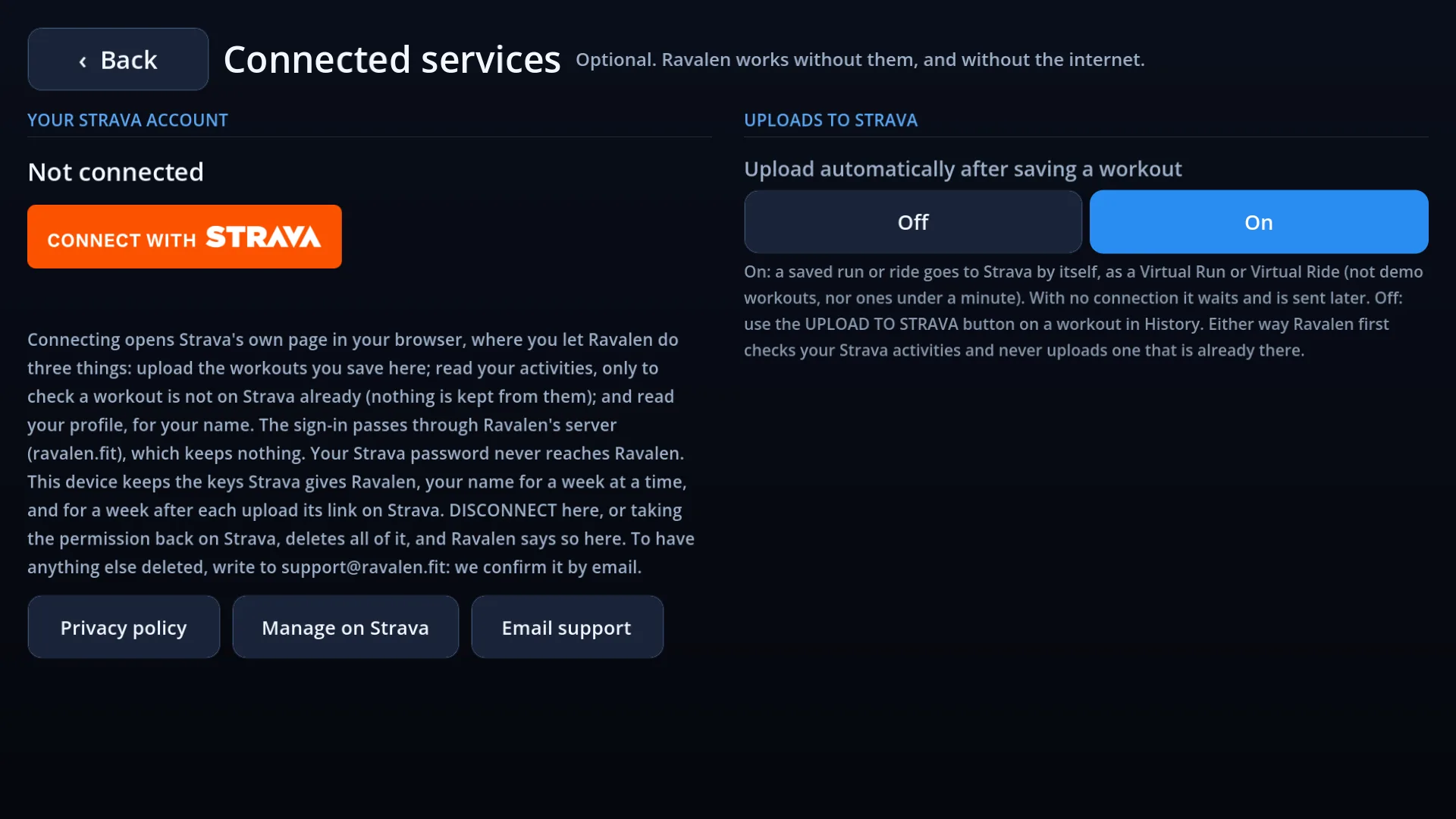
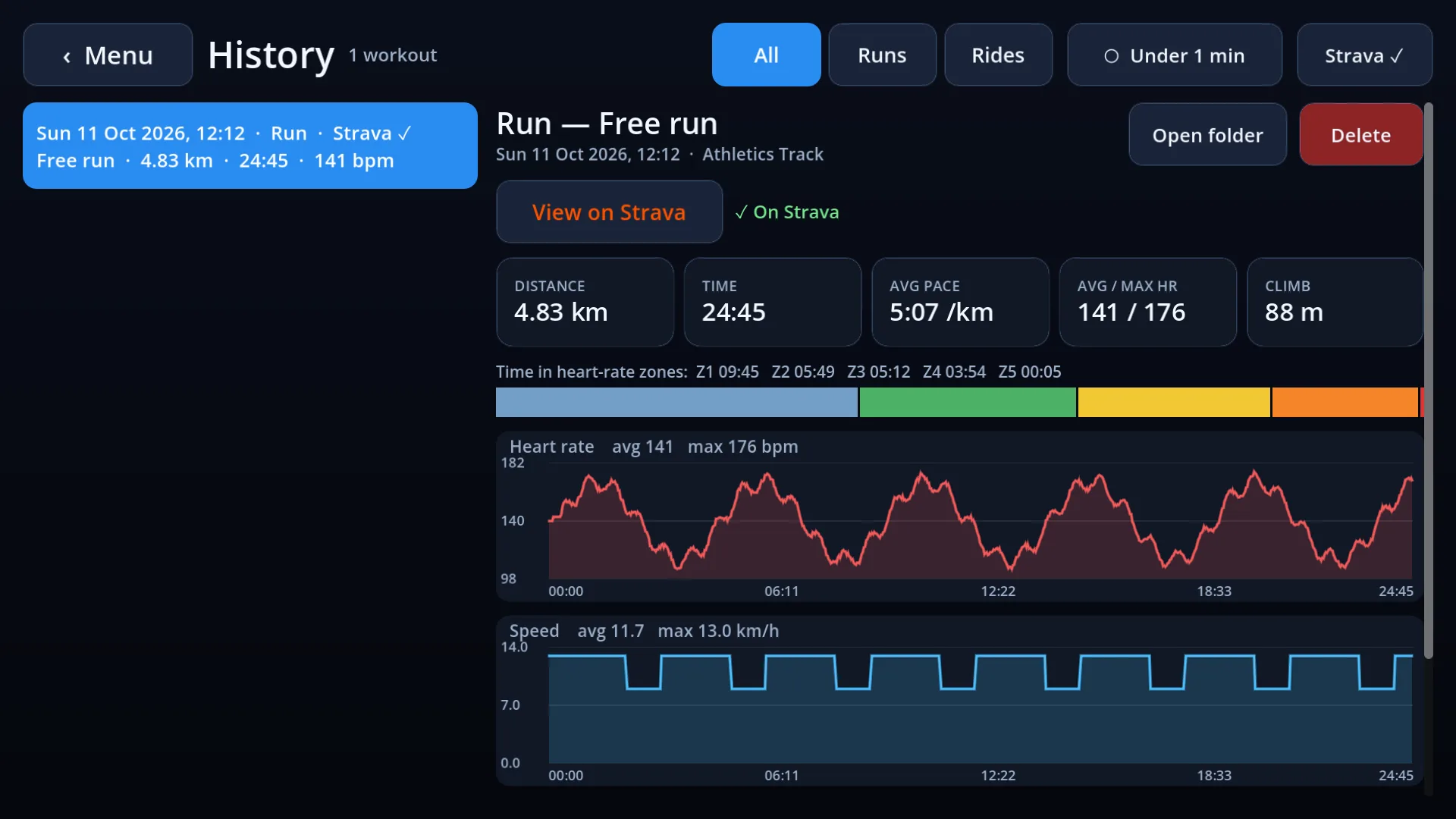
Connect your Strava account, and you can upload your workouts to it as Virtual Runs and Virtual Rides: automatically after each save, or one at a time, as you choose. It is optional, and free: Ravalen works without it.

Connecting
- Open Connected services in the app (from Settings or History) and press Connect with Strava.
- Strava's own page opens and asks for your permission. Your Strava password never reaches Ravalen.
- Strava sends you on to a page of ours that says to go back to Ravalen. Back in the app, it says “Connected”. That is all.
What Ravalen asks for
| Permission | What it is for | Needed? |
|---|---|---|
| Upload your activities | Sending the workouts you save. | Yes |
| View your activities, private ones included | Checking a workout is not already on Strava, so nothing is uploaded twice. Private ones count: a copy of the workout may be one. | Optional |
| View your public profile | Showing your name in the app, so you can see which account is connected. | Yes |
Of your activities, Ravalen reads only the list of those that began within an hour of a workout, just before uploading it, and keeps nothing from it. It never reads anyone else's, and shows Strava's feed nowhere in the app.
What is sent
The workout you saved: its time, distance, speed, laps and climb, your heart rate if you wore a strap, and on a ride your power and cadence. Nothing else.
You choose which: upload automatically after each save, or switch that off and upload the workouts you want, one at a time, from History. With no connection, a workout waits and is sent later.
Where your details are kept
On your device only, and only as long as needed: the keys that let the app upload for you, your name for a week at a time, and the link to each upload for a week after it. Your workouts go straight from the app to Strava. Connecting goes by way of our server: Strava sends your browser back to this website, and the keys are fetched through it, with Ravalen's own password added there. Nothing of that is kept once the app has it: we hold no copy of your workouts or of your Strava details. The privacy policy has the whole of it.
Disconnecting
Press DISCONNECT under Connected services in the app: it deletes everything Ravalen held from your Strava account on your device, tells Strava to withdraw its permission (if you are offline, as soon as you are next online), and says so. Or remove Ravalen under My Apps in Strava's settings, and the app deletes it all the next time it finds out. Activities already on Strava stay there until you delete them on Strava. To have anything else deleted, write to support@ravalen.co.uk: we delete it within 30 days and confirm it by email.
Strava and the Strava logo are trademarks of Strava, Inc. Ravalen is an independent app, not made or endorsed by Strava. See also the privacy policy.